




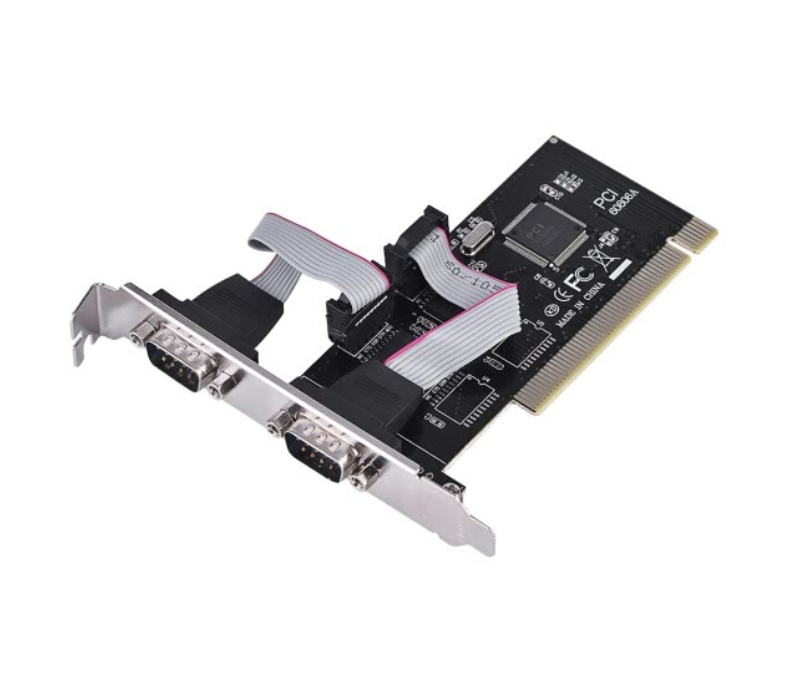
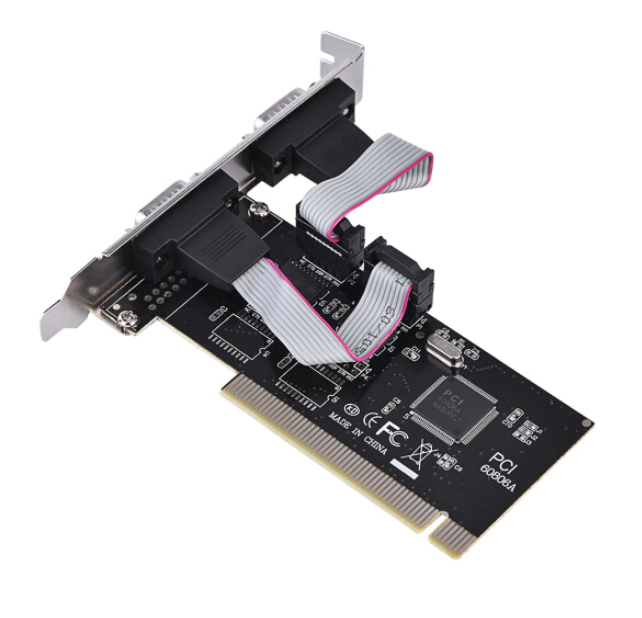
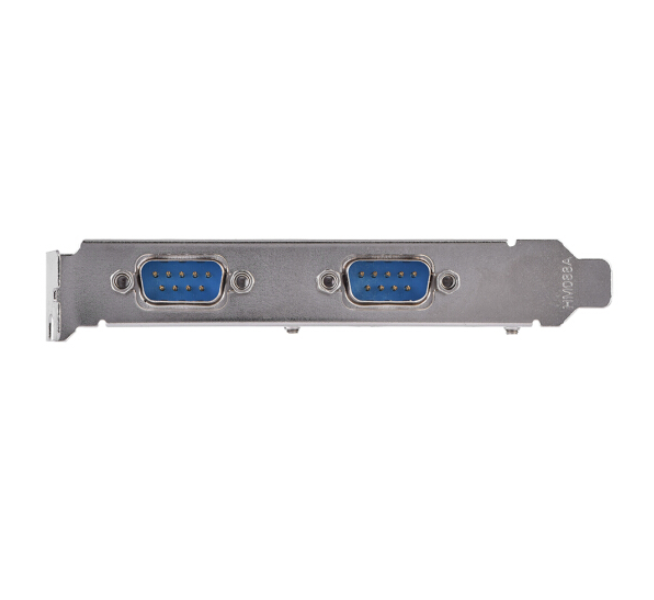
Serial Com PCI Card (RS-232)
In stock
PCI to Dual Serial DB9 RS232 RS-232 2 Port Extension Adapter Card
1164 Views
Compare
Descriptions
Compliant with PCI 2.1 specification, support 32-bit PCI bus.
Plug and play, automatic allocation of IRQ and I / O address.
One host can support multiple multi-serial card.
Data bit: 4, 5, 6, 7, 8 bytes.
Parity bit : NONE EVEN OLD SPACE MARK.
Stop bit : 1, 1.5, 2.
Flow control: None, hardware, Xon / Xoff.
Support WINDOWS 2000/2003 / XP operating system.
The maximum data transfer rate is up to 1M / S.
RoHS compliant.
Specifications
Color: Shown as the pictures
Package weight: 110g
Instruction:
Install a PCI to R232 expansion card on your computer:
1. Turn off the computer and the devices connected to the computer.
2. Open the chassis cover and insert the card into the PCI slot that is not in use and secure it.
3. Close the chassis cover and connect the lead wires of the PCI to R232 expansion card.
4. Start the computer, the next step is driver installation.
Driver location: IO-PCI60806A 2S driver on the CD.
Install the Windows 2000 / XP driver:
1. Start the Windows system.
2. Windows automatically detects the PCI to R232 expansion card. Click the “Next” button to continue.
3. Select “From list or specify installation (recommended)” and click the “Next” button.
4. Insert the drive CD in the CDROM. Select “Include this location (O) in the search:” and click the “Browse” button to continue the installation.
5. In the WINDOWS folder browsing:
a. Select the CDROM drive.
b. Double-click the SIE folder.
c. Double-click the 60806A folder.
d. Click the “OK” button.
e. Click the “Next” button.